ezPaycheck Payroll Software: How to Generate Report by Pay Period Ending Date or by Check Issue Date
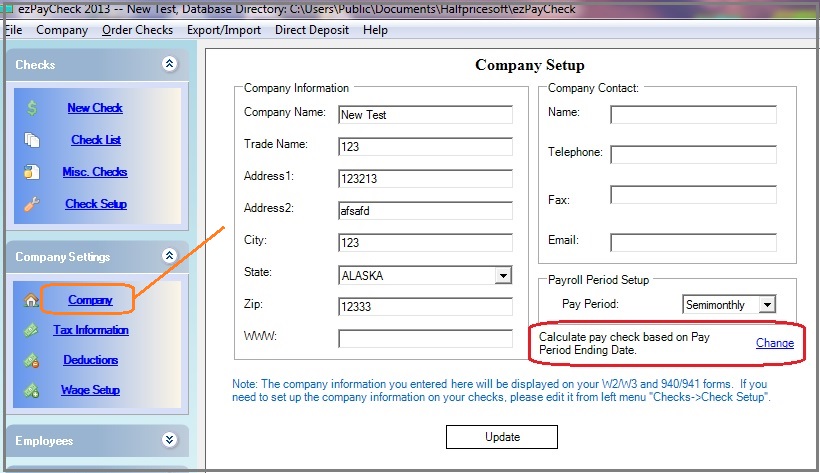
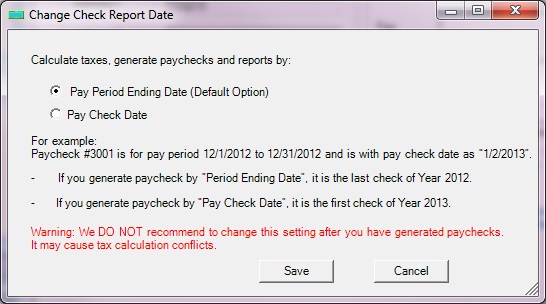
Download Now> Buy NowezPaycheck generates paychecks and report by pay period ending date by default. However, customers can change the option to generate the report by Pay Date.
For example: Paycheck #30001, for pay period 12/16/2025 to 12/31/2025 paid on 1/2/2026
If you select to generate the report by
Pay period Ending Date, paycheck #30001 is the last check of year 2025 and will be displayed on Year 2025 report.
If you select to generate the report by
Pay Date, paycheck #30001 is the first check of year 2026 and will be displayed on Year 2026 report.